
How a Santa video call and video message work
Two ways to give your child a Santa moment: a live 10-minute call on Google Meet, or a personal video message. Here is exactly how each one works.
Live calls run Nov 28 to Dec 24, 2026. Video messages: order by Dec 21.
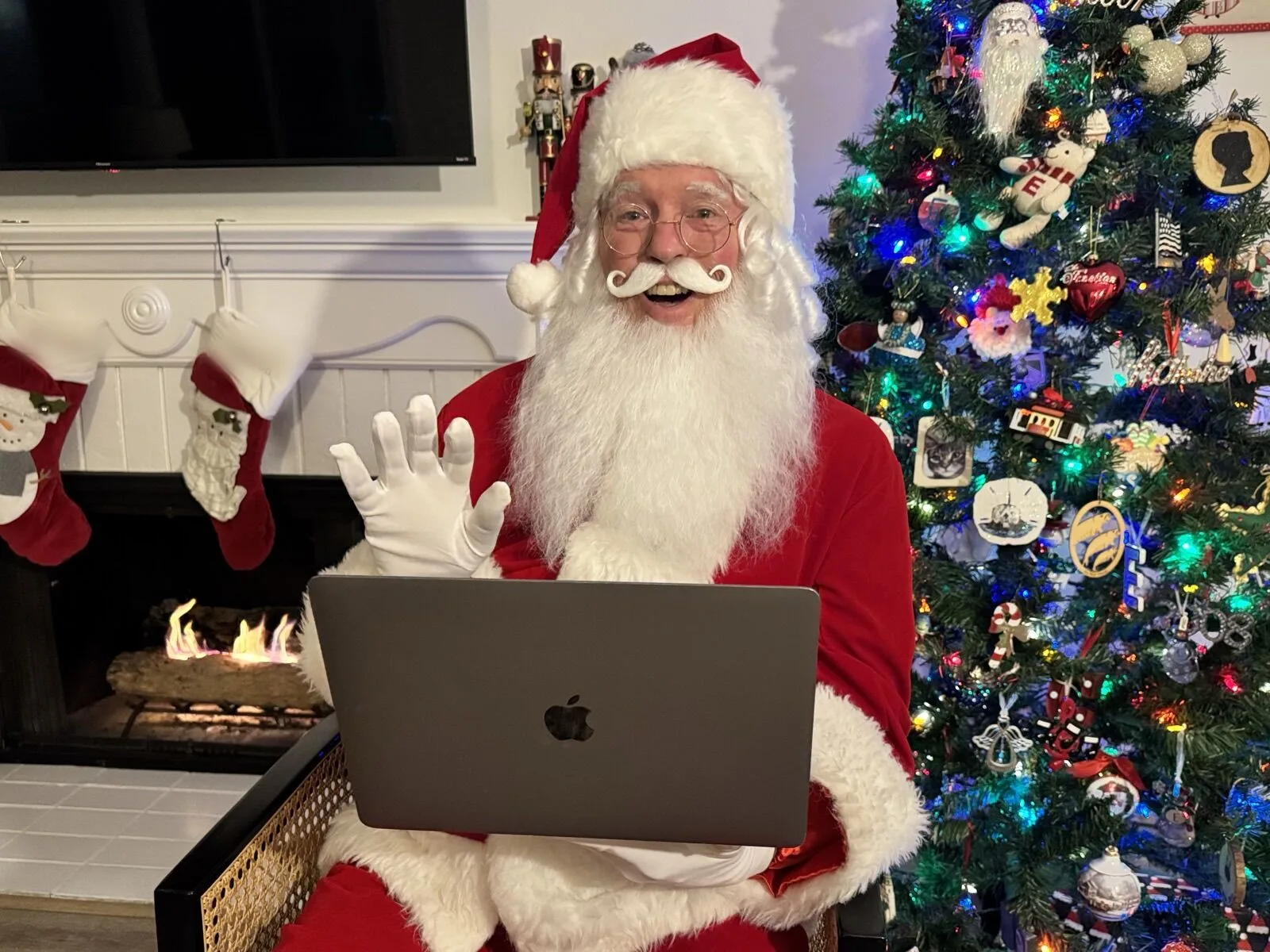
- Live video call
- $39 10 minutes, one-on-one
- Video message
- $19 about 30 seconds
- Calls run
- Nov 28 to Dec 24 on Google Meet
- Message orders close
- Dec 21 delivered within 3 days
The two options at a glance
- Live Santa video call: $39. A 10-minute, one-on-one Google Meet call with Santa. You choose a time. Calls run November 28 to December 24, 2026, at limited times.
- Personalized Santa video message: $19. A personal video of about 30 seconds, recorded by Santa for your child and emailed as a private link. Videos are delivered starting December 10 and within 3 days after that.
Both start the same way: you share your child's name, age, wish list and a few fun facts, so Santa can make it personal.
How the live video call works
- 1
Pick a time
Open the booking page and choose an available time. Calls are offered at limited times: evenings on Tuesday and Thursday and weekend mornings, in Pacific time. If you are in another time zone, convert before you choose. Times are limited, so book early, especially for December.
- 2
Tell Santa about your child
Enter your child's name, age, wish list and fun facts. Think of it as a few lines you would tell Santa if you had a minute alone with him. Fun facts can include a pet, a hobby, a recent milestone or a favorite food. If siblings will be on the call, put their names, ages and a wish or two in this box too so Santa can greet them. The fun facts guide has lists you can copy.
- 3
Pay and get your link
The call is paid in full at booking. Your Google Meet link is emailed immediately, and you get a reminder before the call. Save the email somewhere easy to find.
- 4
Join at call time
A few minutes before your time, open the email and click the Meet link. You can join from a phone, tablet or computer, and no account is needed. Check that your camera and microphone are on, and sit your child where Santa can see them.
- 5
Enjoy the conversation
For 10 minutes, Santa chats with your child. He uses what you shared to start the conversation, and he responds to what your child says. Parents and siblings are welcome to sit nearby. When time is up, say goodbye and keep the evening magical.

How the video message works
- 1
Order
Use the video message order form and share your child's name, age, wish list and fun facts.
- 2
Santa records
Santa records a personal video of about 30 seconds for your child.
- 3
Delivery
The video is emailed to you as a private link. Videos are delivered starting December 10 and within 3 days of ordering after that. Orders placed before December 10 arrive by December 13.
- 4
Watch and download
Watch with your child and download the video to keep.
The last day to order a video message for Christmas is December 21.
Ready to pick your Santa moment?
A live call is $39. A personalized video message is $19.
What you need for the live call
- A phone, tablet or computer with a camera and microphone
- A stable internet connection (Wi-Fi is usually best)
- The Meet link from your confirmation email
- A quiet spot with decent light
- A charged device, or one plugged in
Tech tips
Test ahead
Open the Meet link a few minutes early. If it asks for camera and microphone permission, allow both.
Use Wi-Fi and sit close to the router. Close other apps and pause downloads.
Prop the device up
A stand or a stack of books at your child's eye level beats holding it.
Face a light, not a window
A lamp in front of your child lights their face better than light coming from behind.
Silence notifications
Turn on Do Not Disturb so alerts do not interrupt.
Plug in
Video drains batteries.
Cast to a TV if you like
If you use a bigger screen, test the sound and camera first so Santa can see and hear your child.
If you cannot join, call 855-916-9921.
Santa is ready when you are
- Both use your child's name, age and wish list
- A real-beard Santa in a velvet suit
- A live 10-minute call on Google Meet, $39
Rescheduling and questions
If you need to change your call, call 855-916-9921. For common questions on pricing, timing, devices and siblings, see the FAQ.
Which should you choose?
Choose the live call if your child loves to talk, you want a real-time conversation or you want Santa to respond to what your child says. Choose the video message if timing is tight, your child is shy, or you want a keepsake you can rewatch. You can also do both. Read more in Santa video call vs. pre-recorded Santa video.
Before the big day, read how to prepare your child for a Santa call.
Give your child a moment with Santa
Join Santa live for 10 minutes, or send a personal video message. Live call times are limited, so book early.